はかどりカット・ななめカットを採用
 ラベル余白部とはくり紙にミシン目が入っており、切り取るとラベルのつかみしろが一気に現れる「はかどりカット」を採用しました。ラベルがつかみやすく、台紙からはがしやすいので大量のラベル貼りに最適です。(ノーカットタイプ・2面・4面を除く)
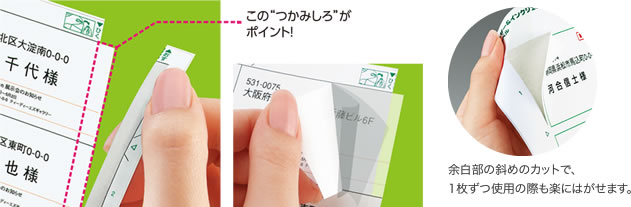

ラベル余白部とはくり紙にミシン目が入っており、切り取るとラベルのつかみしろが一気に現れる「はかどりカット」を採用しました。ラベルがつかみやすく、台紙からはがしやすいので大量のラベル貼りに最適です。(ノーカットタイプ・2面・4面を除く)
2面・4面はラベルの裏側に位置合わせラクラクスリット入りで、1片が大きなラベルでもきれいに貼れます。
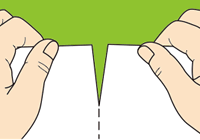
ミシン目に沿って切り離します。
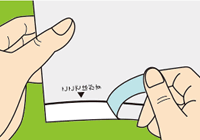
はくり紙の端を線に沿ってはがし、貼りたい場所に位置合わせをして仮り止めをします。
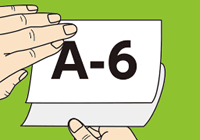
残りのはくり紙をゆっくりはがせばきれいに貼り付けができます。

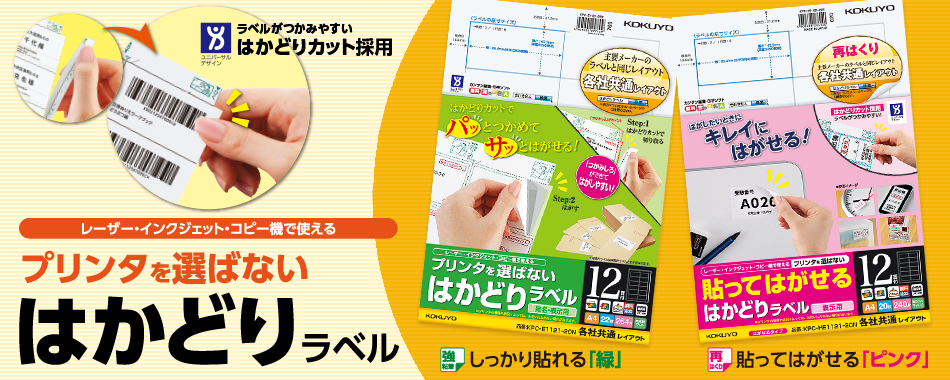
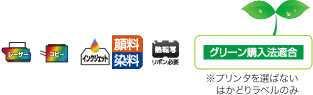 カラー/モノクロレーザープリンタ、カラー/モノクロコピー機、インクジェットプリンタ、熱転写(リボンが必要)などの多様な印刷に適した用紙を採用しています。もちろん手書きでもお使いいただけます。また、「プリンタを選ばない はかどりラベル」はグリーン購入法にも適合しています。
※プリンタの機種や状況によっては、お使いになれない場合があります。

世界各国で化学物質の管理が強化されるなか、製品に含まれる化学物質の正確な情報を迅速に把握することの重要性は益々高まっています。
「はかどりラベル」では環境情報(環境物質情報)の定型書類をホームページから迅速に(※)ご提供いたします。
お申し込みは以下のサイトをご覧ください。
※ 環境法規制の改正等により物質が変更になった場合は、調査にお時間をいただく場合がございます。

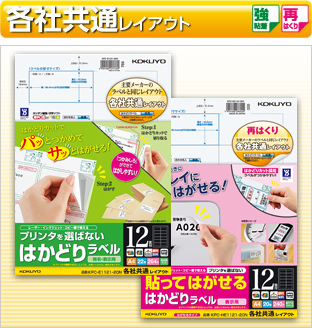
ラベルメーカーで幅広く採用されている業界標準のレイアウトをそろえました。同じレイアウトだから、現在ご使用の印字ソフトやテンプレートをそのままお使いいただけます。
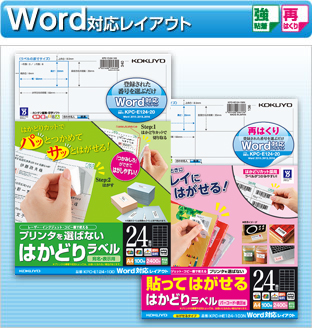
Microsoft®「Word」に標準登録されている“ソフト登録No.”を選ぶだけで、ラベルのサイズ指定が簡単にできます。
Wordを使った宛名ラベルの作成方法はコチラ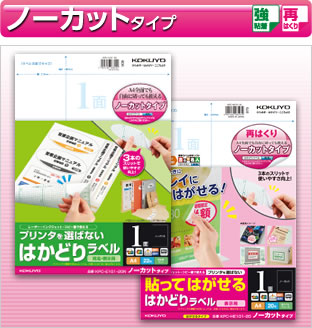
全面ラベルとしても、自由に切っても使えるノーカットタイプ。はくり紙にスリットが3本入っているので、はがしやすくなっています。
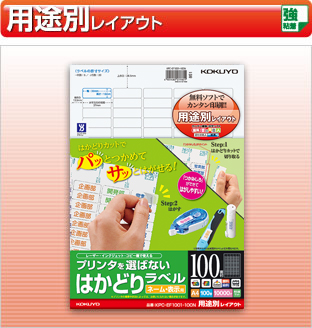
ファイルの背ラベルやネームラベルなど用途別のレイアウトをそろえています。